Pay once. Get your gift link.
Get the link as soon as payment is confirmed, with a copy sent to your email.
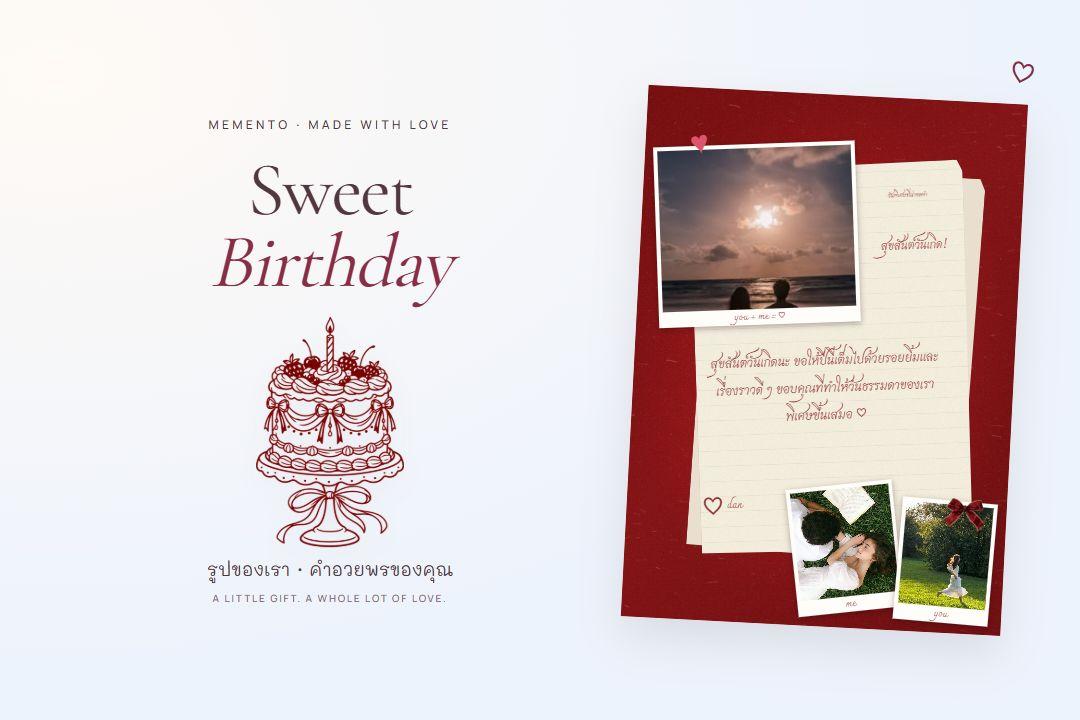
Personalize a cake, bouquet or message. Send it as a link they can open and enjoy on their phone.
Get the link as soon as payment is confirmed, with a copy sent to your email.
Add a password to supported gifts and share it separately with your recipient.
Copy a link for your chat or download a QR image for a gift card.
Choose a digital gift, preview it, then make it yours.
4 gift collections
 NEW · CAKE STUDIOMAKE A BIRTHDAY WISH
 FEATUREDTRY THE BOUQUET GIFT
Arrange flowers and tuck a personal message inside.
FEATUREDACTUAL GIFT PREVIEW LOVE LADDERS GAME
Preview a cake, bouquet, letter or game.
Add your details and preview before sending.
Once ready, share the link for them to open and explore.
Preview before you pay. Once payment is confirmed, get your gift link on the confirmation page with a copy sent to your email. Share a link or download a gift QR, and set your own password on supported gifts before sharing.
Know what happens, from your first idea to their first smile.
Once payment is confirmed, your gift link appears on the confirmation page. We also email a copy, so you do not need to wait for email. If the status is still updating after payment, check again without paying twice.
Anyone with the link or QR can open a gift without a password. For supported gifts, set your own password on the confirmation page before sharing. Your recipient needs it to open the gift. We do not email your password; share it separately.
The payment QR is for checkout. Your gift QR is available once the gift is ready and opens the same gift as the link. Print it on a card or give it with a present. If you set a password, scanning the QR still requires it.
They open your link to discover the photos, words and little details you chose.
Turn the cake. Open a letter. Play together. These are gifts they can be part of.